Open Source Android Library (MIT License)

JustForPixel ExpressiveLab

A high-performance Material 3 Expressive UI & Motion Component Library for Jetpack Compose, architected and maintained by Er. Mohd Amaan (justforpixel).

View GitHub Repository Gradle Installation
Jetpack Compose Material 3 Expressive Spring Haptic Motion

Installation & Gradle Setup

Targeting minSdk = 24 or higher for native Android Jetpack Compose projects.

Step 1: Add JitPack Repository in settings.gradle.kts
dependencyResolutionManagement {
    repositoriesMode.set(RepositoriesMode.FAIL_ON_PROJECT_REPOS)
    repositories {
        google()
        mavenCentral()
        maven { url = uri("https://jitpack.io") }
    }
}
Step 2: Add Dependency in Module build.gradle.kts
dependencies {
    // JustForPixel ExpressiveLab Material 3 Expressive Component Library
    implementation("com.github.ermohdamaan:expressivelab:1.0.0")

    // Compose Material 3 Expressive BOM
    implementation(platform("androidx.compose:compose-bom:2026.02.01"))
    implementation("androidx.compose.material3:material3")
}

Included Material 3 Expressive Components & Code Usage

Ready-to-use tactile motion controls, bouncy spring physics, and organic squircle shapes.

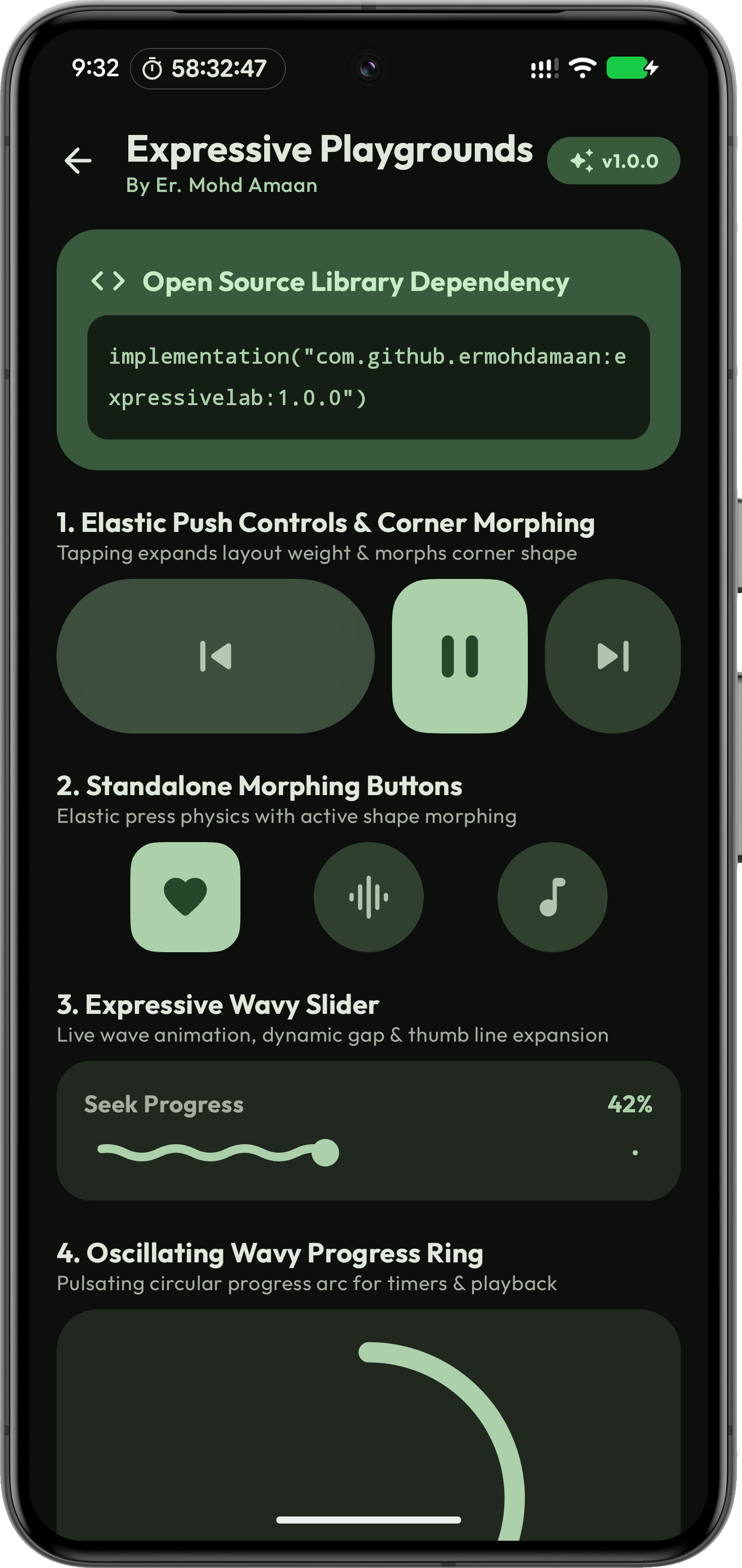
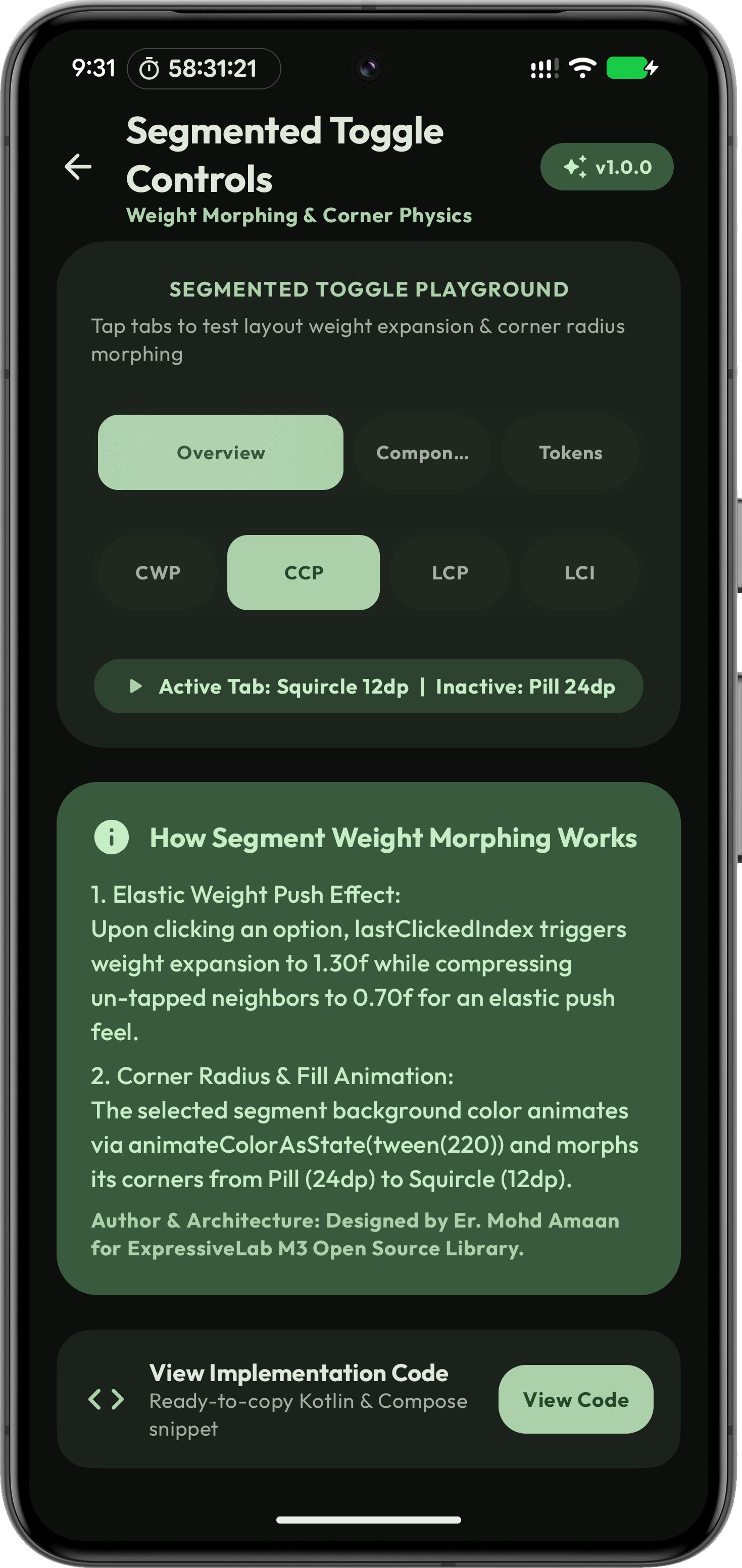
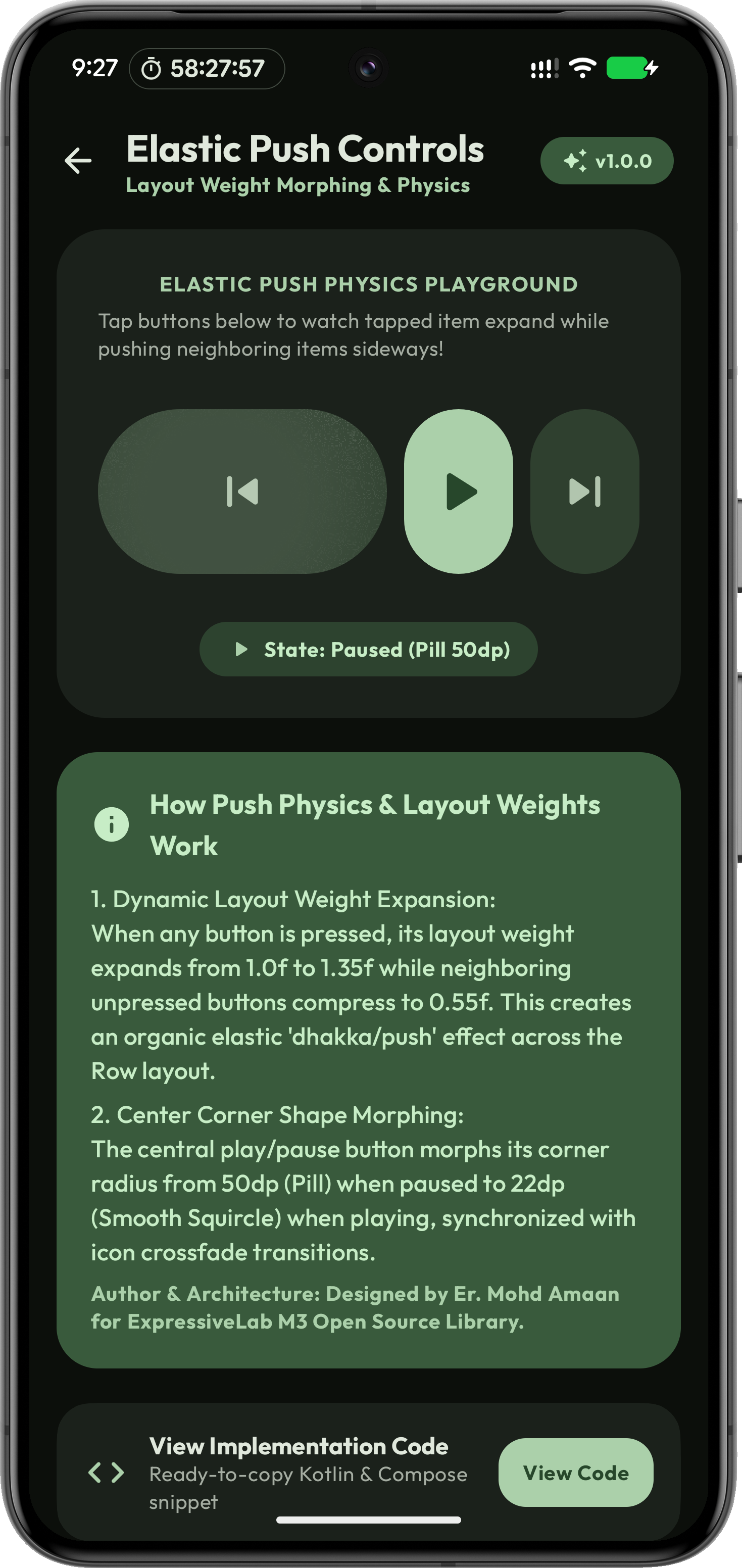
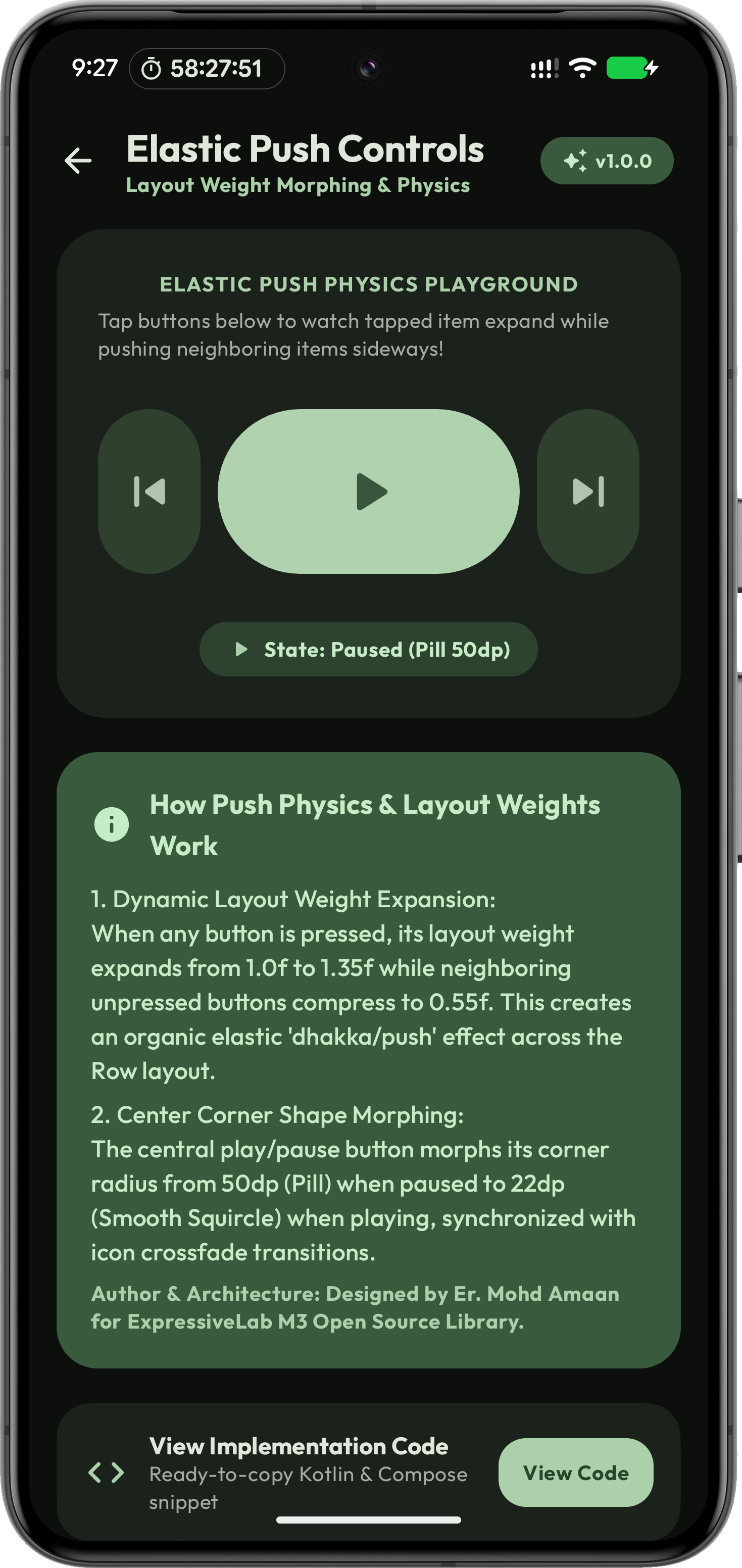
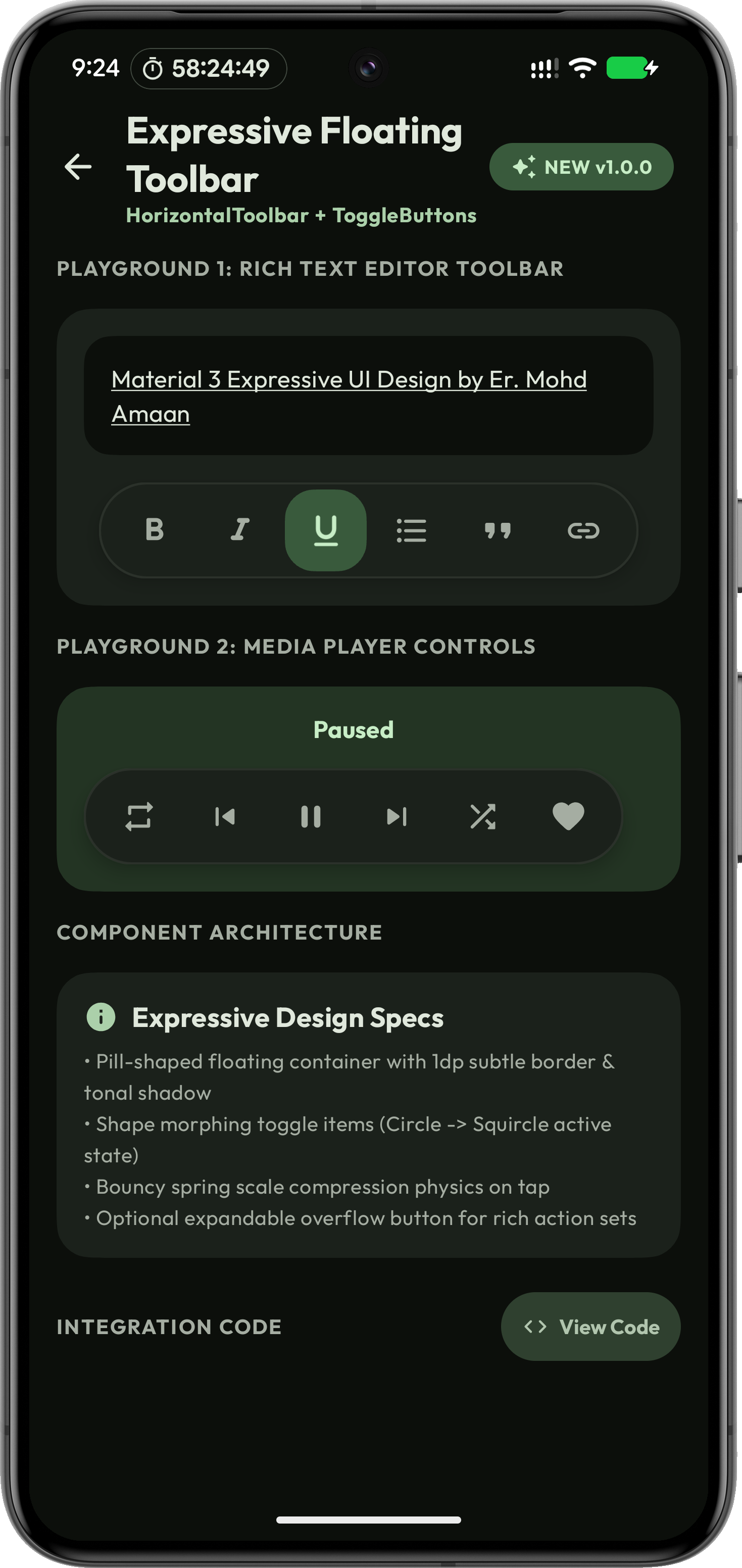
1. Elastic Push Controls (`ExpressivePushButtonRow`)

Elastic layout weight expansion (1.35f expansion vs 0.55f compression) with neighbor push (dhakka) physics on tap.

var isPlaying by remember { mutableStateOf(false) }

ExpressivePushButtonRow(
    isPlaying = isPlaying,
    onPrevious = { /* Previous track */ },
    onPlayPause = { isPlaying = !isPlaying },
    onNext = { /* Next track */ },
    modifier = Modifier.fillMaxWidth()
)

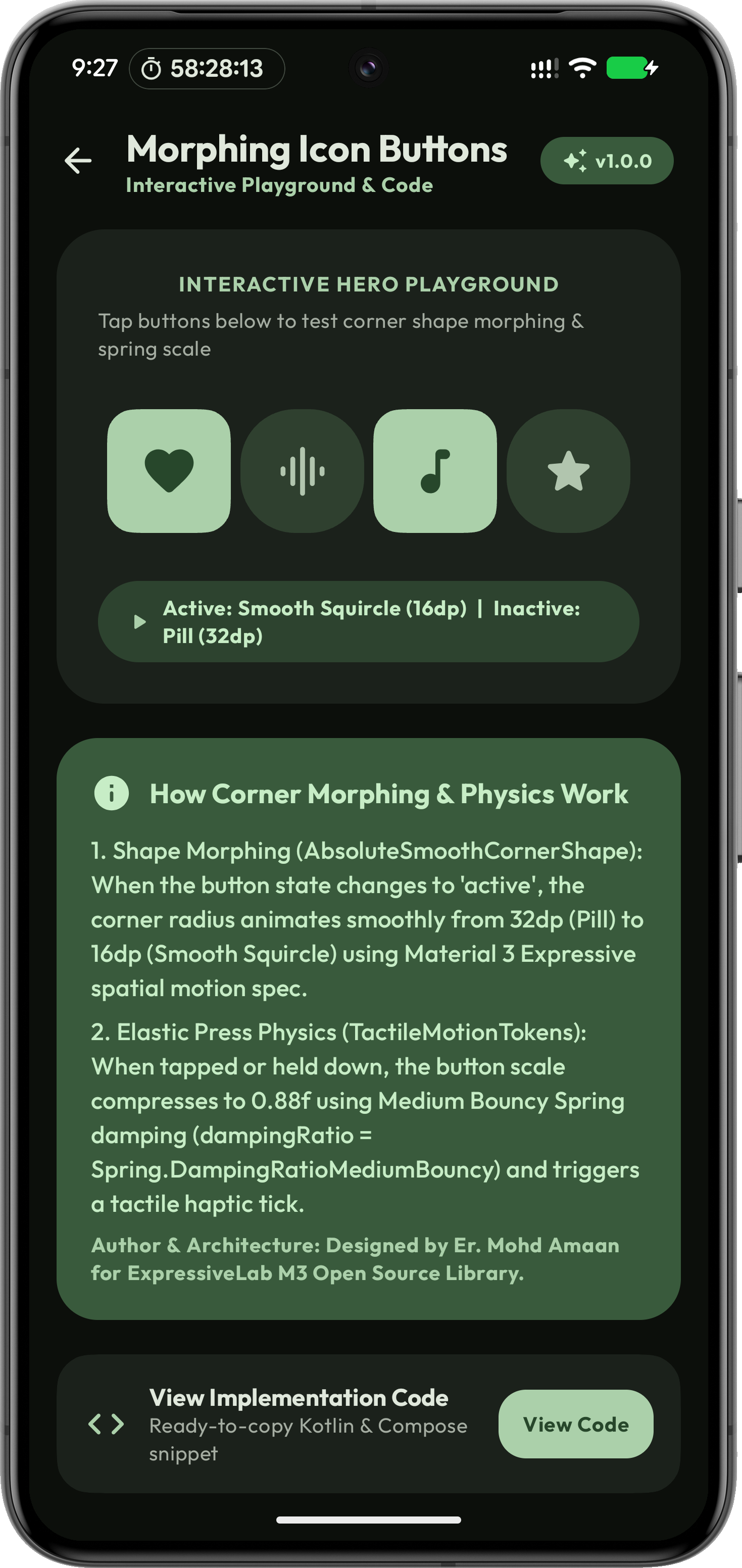
2. Standalone Morphing Icon Button (`MorphingIconButton`)

Bouncy press physics (scale = 0.88f) with corner morphing between Circle, Squircle, and Pill shapes.

var favActive by remember { mutableStateOf(true) }

MorphingIconButton(
    onClick = { favActive = !favActive },
    icon = Icons.Rounded.Favorite,
    contentDescription = "Favorite",
    active = favActive
)

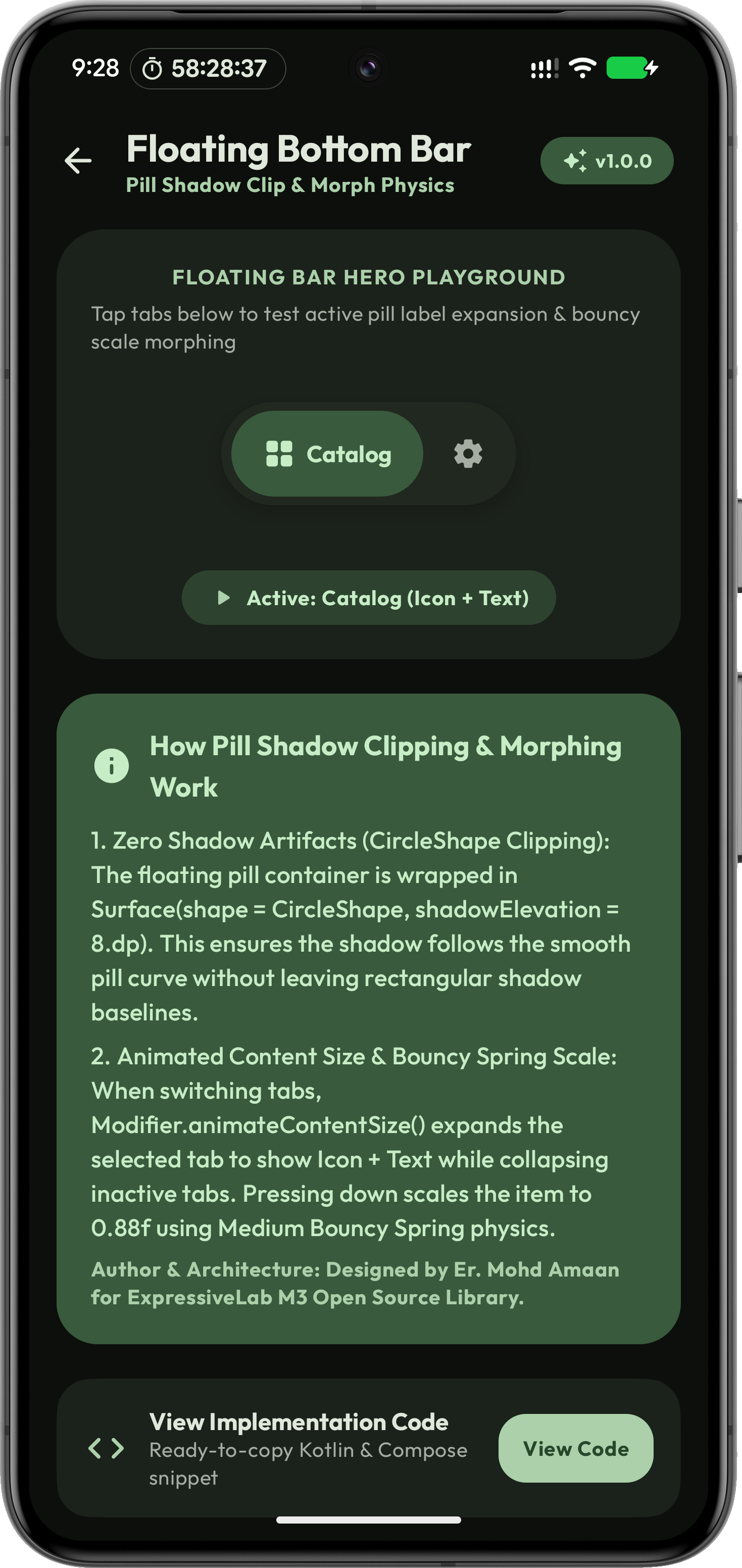
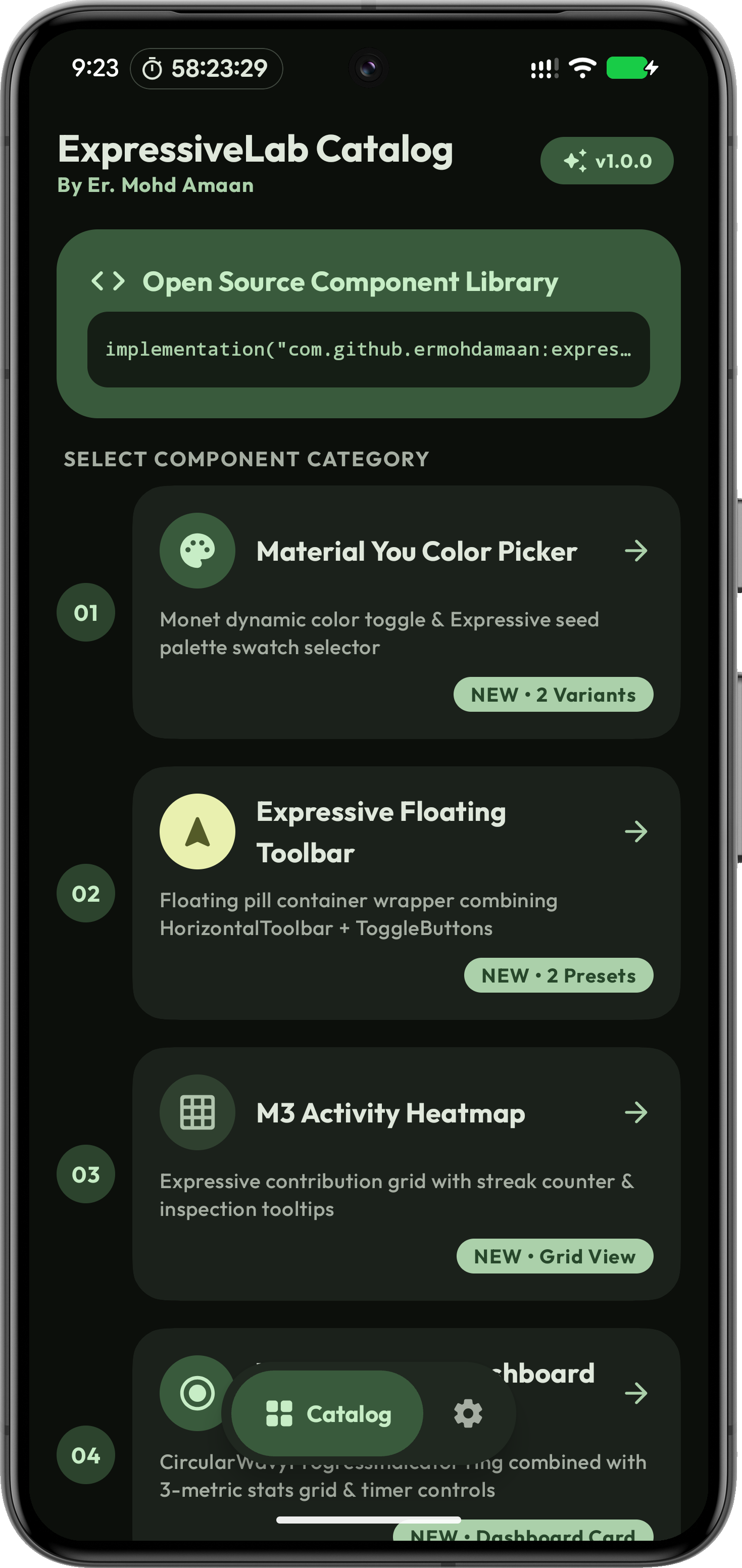
3. Centered Floating Navigation Bar (`ExpressiveFloatingBottomBar`)

Material 3 Expressive floating pill navigation bar with active label expansion (Icon + Text for active tab, Icon-only for inactive) and zero shadow artifacts.

var selectedTab by remember { mutableIntStateOf(0) }

ExpressiveFloatingBottomBar(
    selectedTab = selectedBottomTab,
    onTabSelected = { selectedBottomTab = it }
)

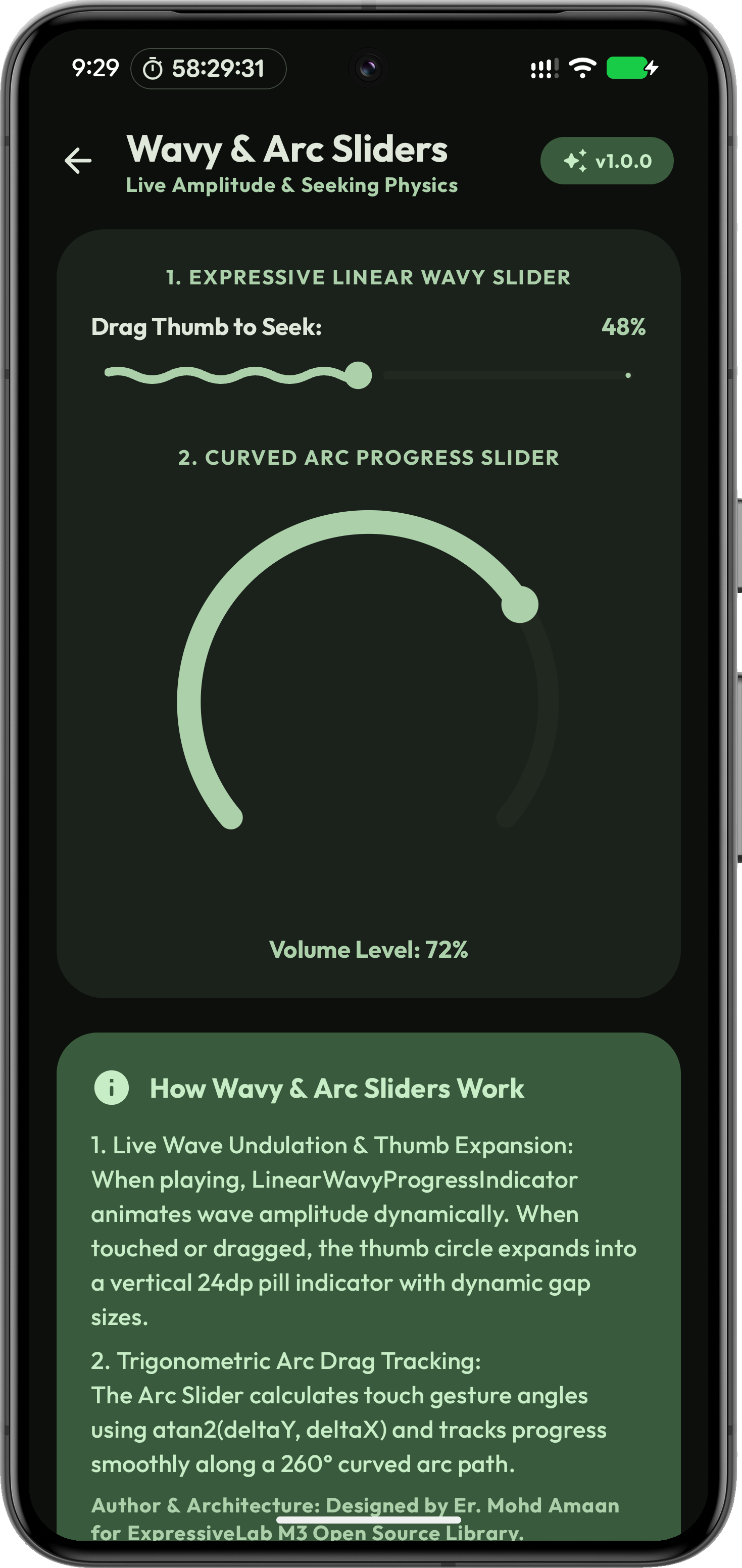
4. Expressive Wavy Slider (`ExpressiveWavySlider`) & Arc Slider

Oscillating wave animation with dynamic gap modulation, thumb line expansion, and 180° curved arc seeking.

var sliderValue by remember { mutableFloatStateOf(0.5f) }

ExpressiveWavySlider(
    value = { sliderValue },
    onValueChange = { sliderValue = it },
    isPlaying = true,
    modifier = Modifier.fillMaxWidth()
)

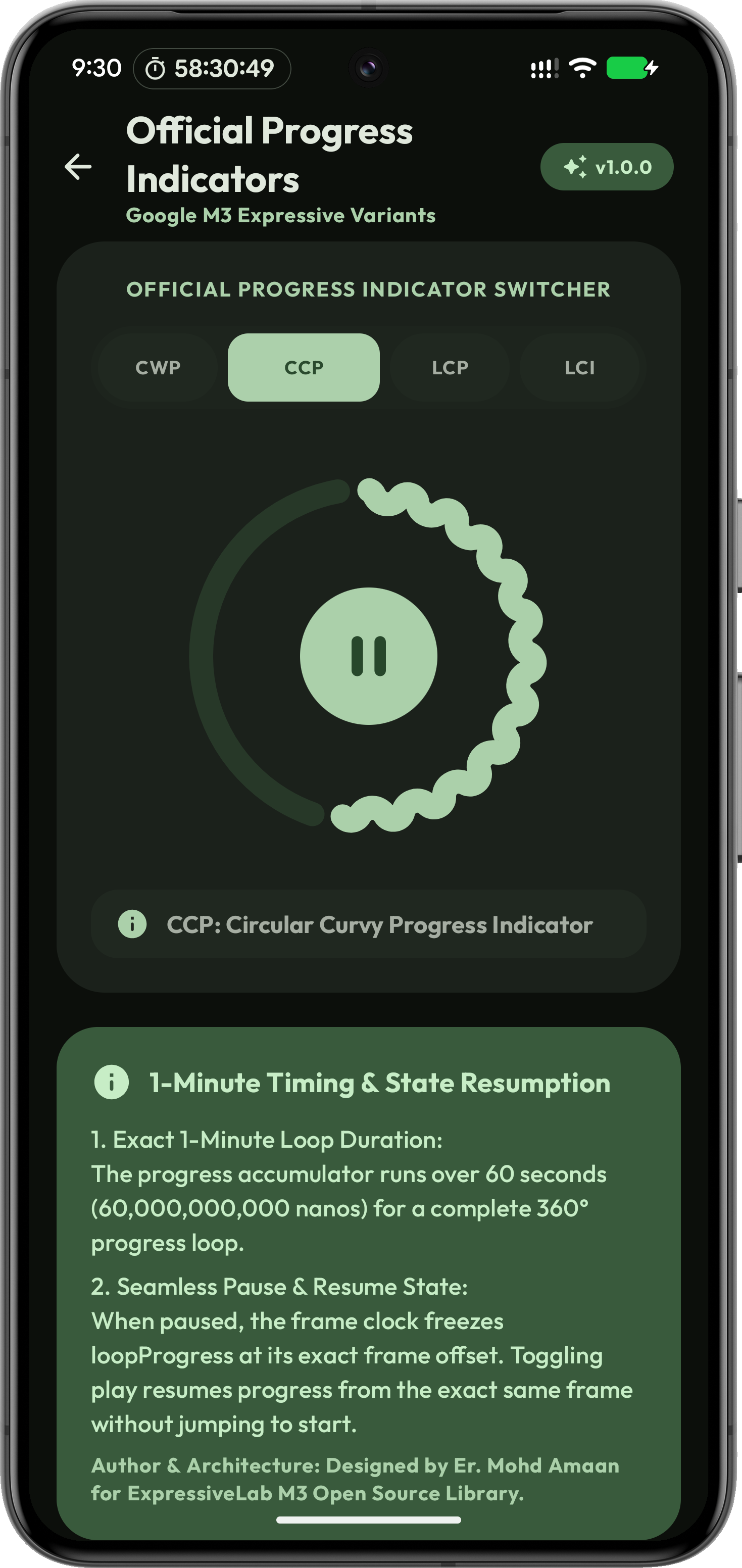
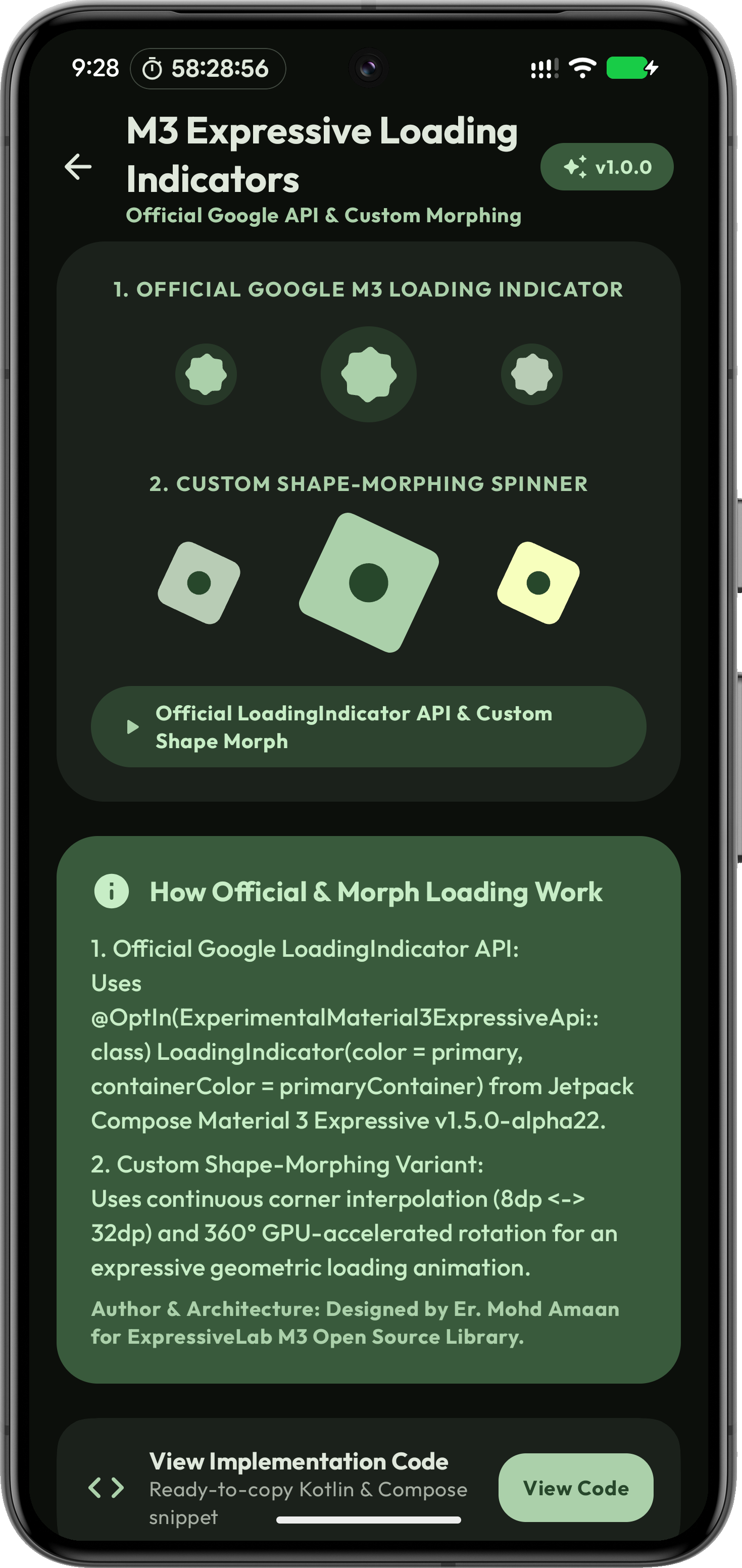
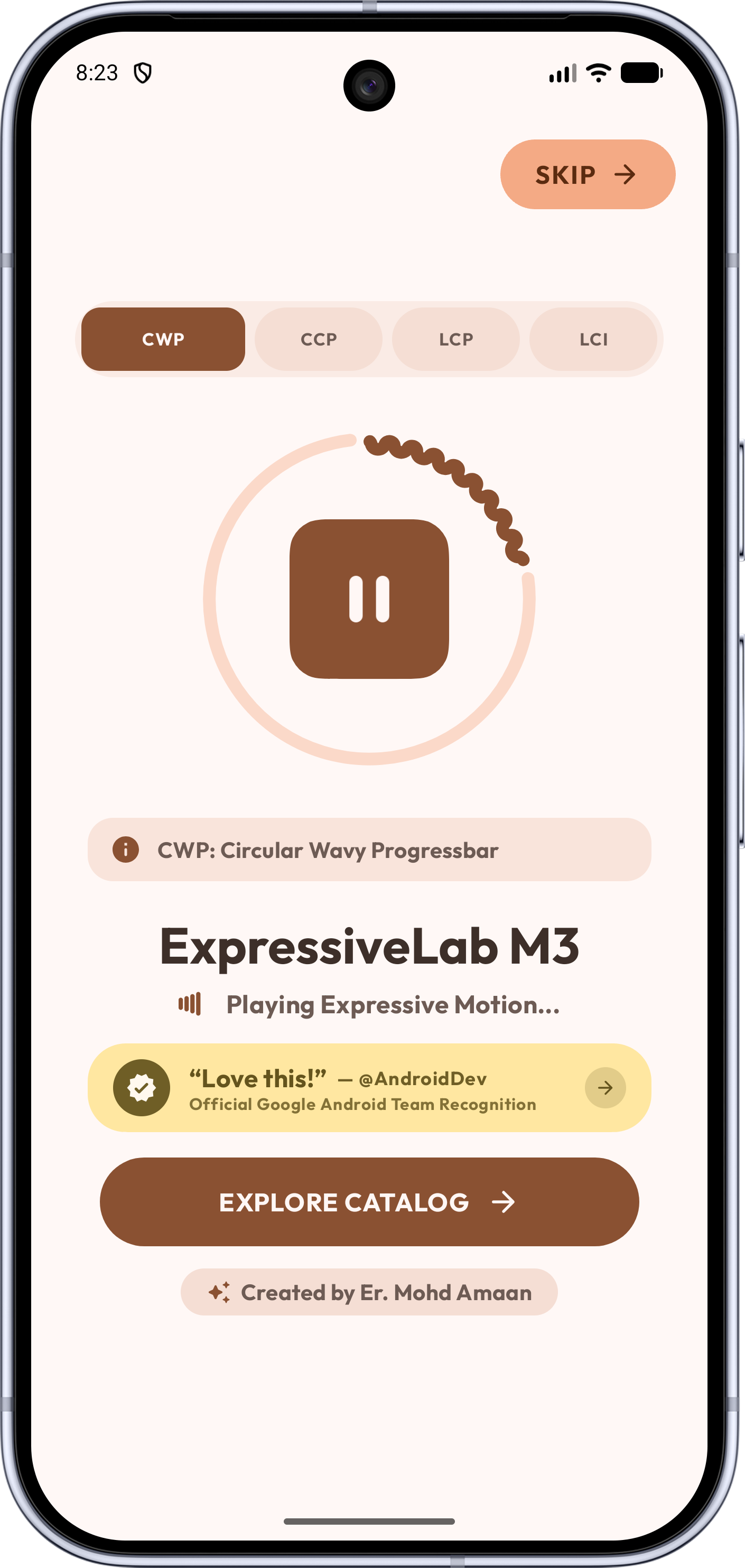
5. Shape-Morph Loading Indicators (`ExpressiveShapeMorphLoadingIndicator`)

Continuous shape interpolation (Circle ⇄ Squircle ⇄ Pill) combined with 360° spin rotation for expressive loading states.

ExpressiveShapeMorphLoadingIndicator(
    modifier = Modifier.size(64.dp),
    color = MaterialTheme.colorScheme.primary
)

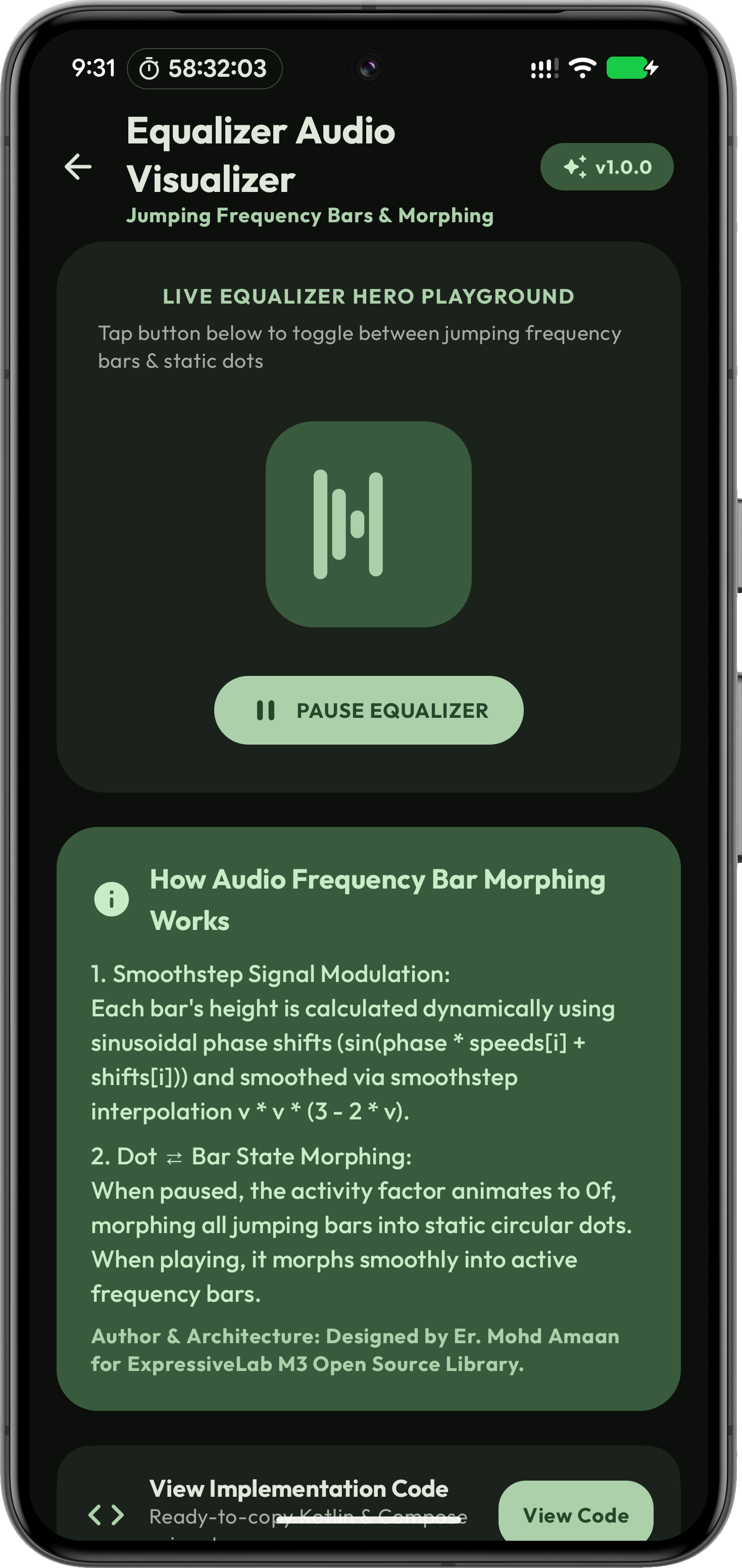
6. Audio Frequency Equalizer Bar (`PlayingEqIcon`)

Jumping frequency bar icon that smoothly interpolates between animated audio bars and static paused dots.

PlayingEqIcon(
    isPlaying = true,
    modifier = Modifier.size(28.dp),
    color = MaterialTheme.colorScheme.primary
)

7. Bouncy Squircle Card (`ExpressiveCard`)

Tactile press elevation physics with continuous curvature squircle geometry (`AbsoluteSmoothCornerShape`).

ExpressiveCard(
    onClick = { /* Card tap action */ },
    modifier = Modifier.fillMaxWidth()
) {
    Text(text = "Tactile Squircle Card")
}

Pure OLED Pitch Black (#000000) Support

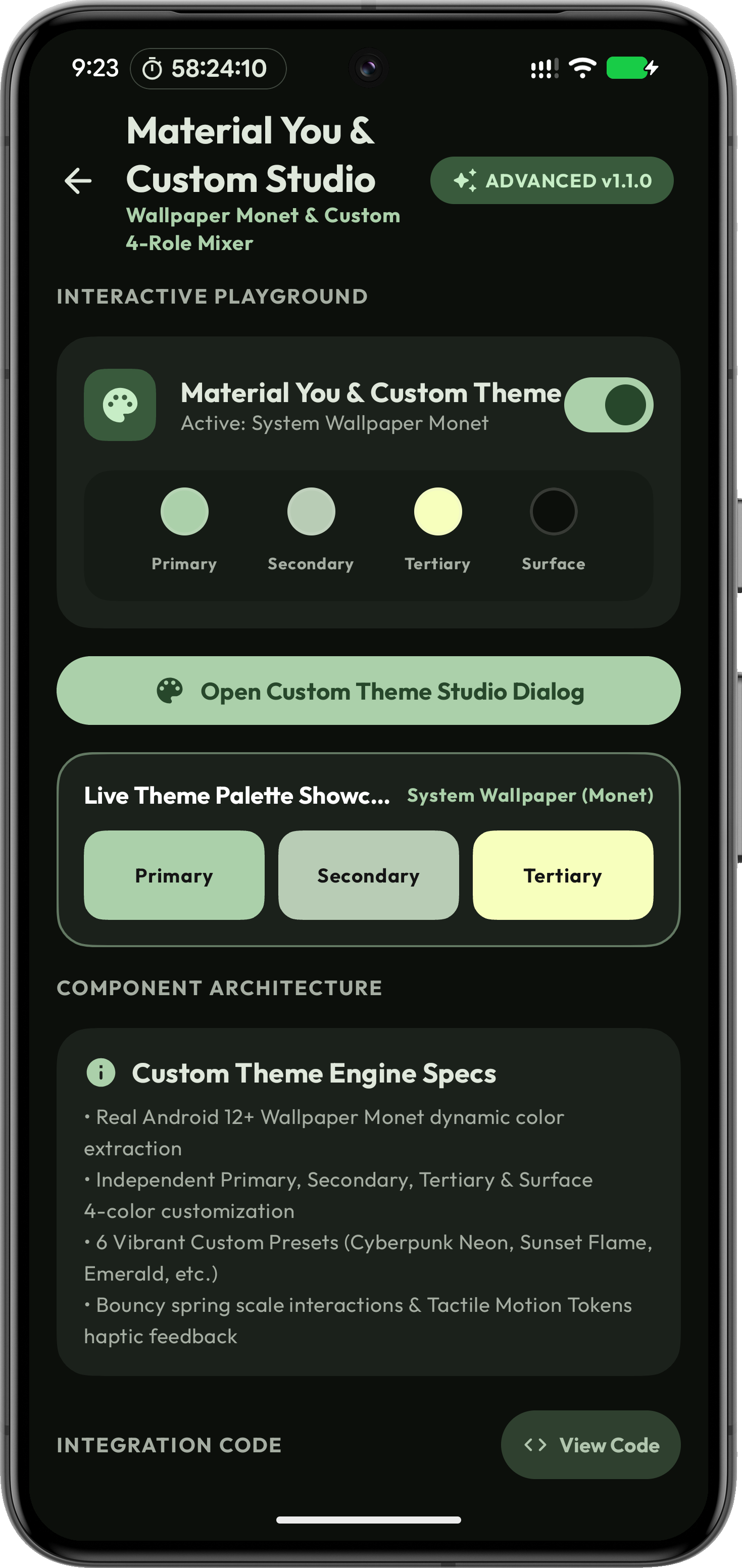
In Dark Mode, enabling OLED Pitch Black sets background and surface colors to pure `#000000` black for maximum energy savings on AMOLED displays. Includes dynamic Material You color extraction and edge-to-edge system bar integration.

OLED Pure Black Material You Edge-to-Edge

OLED Energy Saving

#000000 Pure Black Background Mode

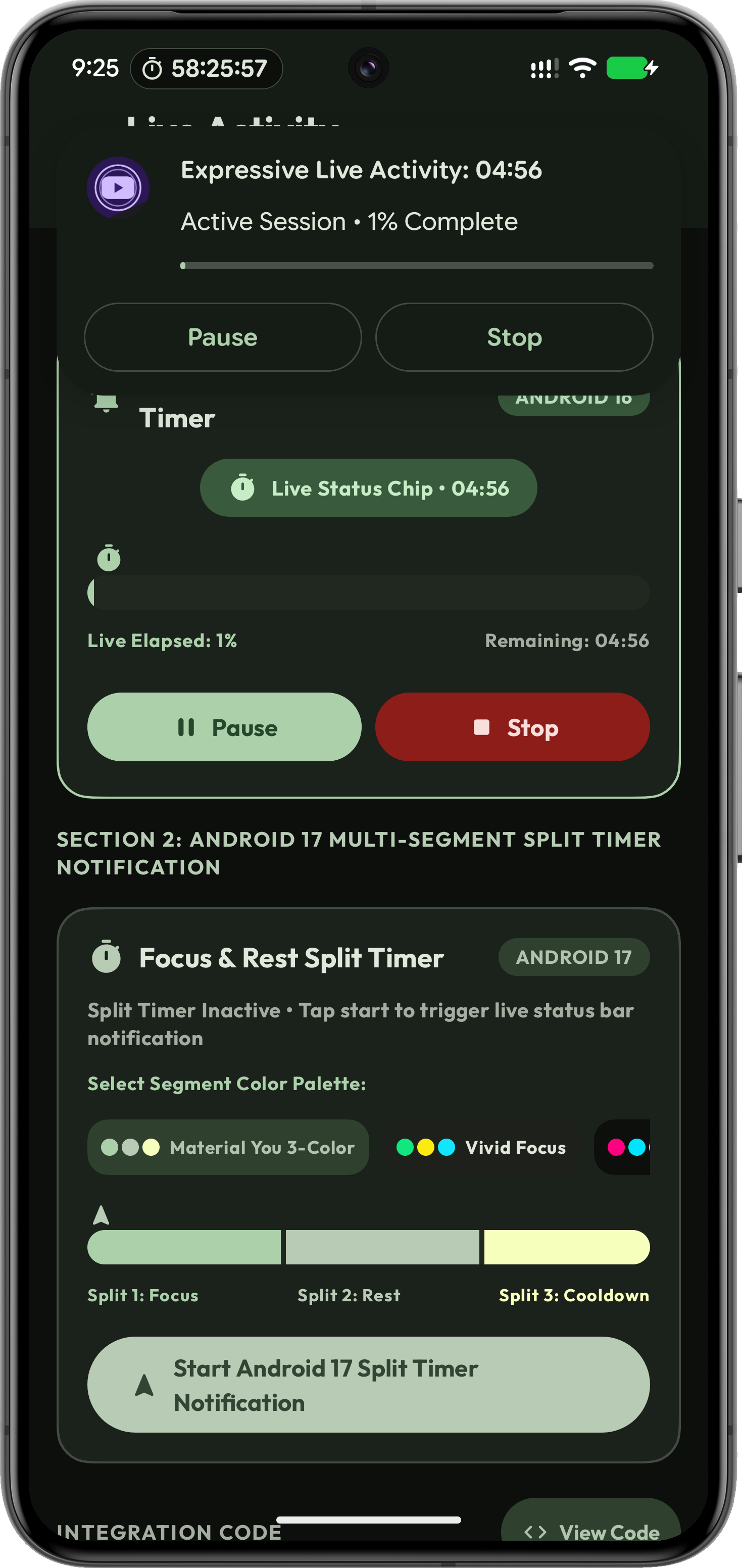
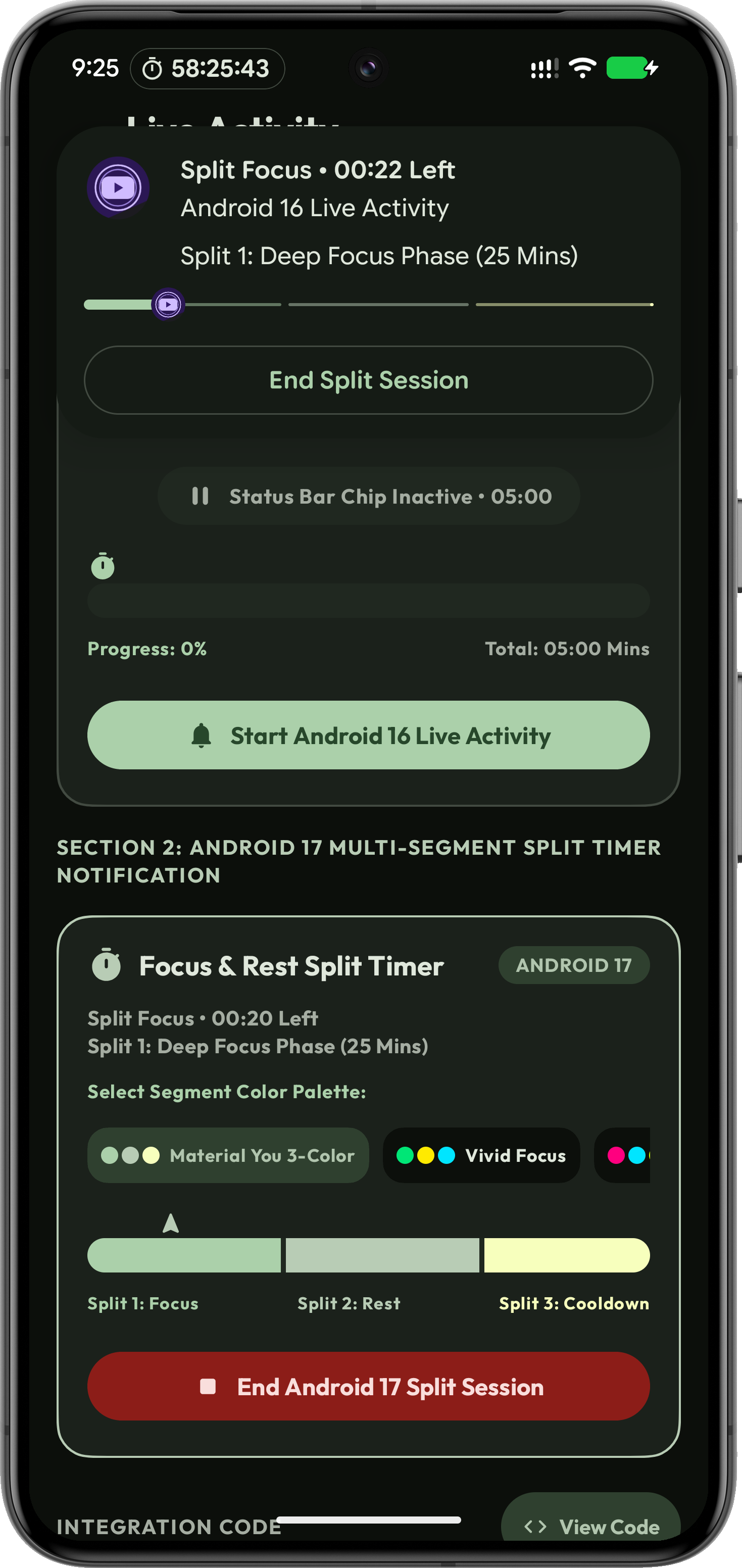
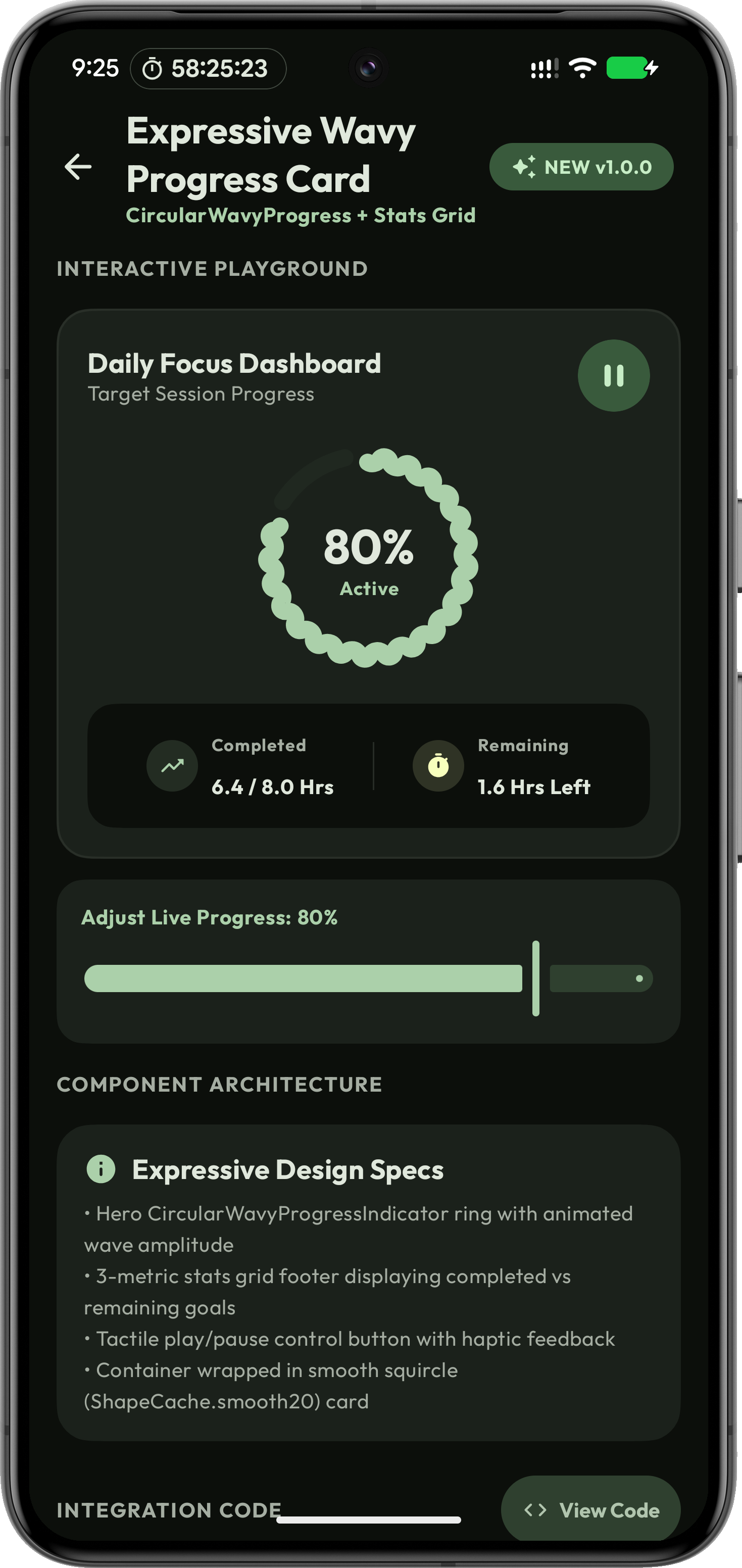
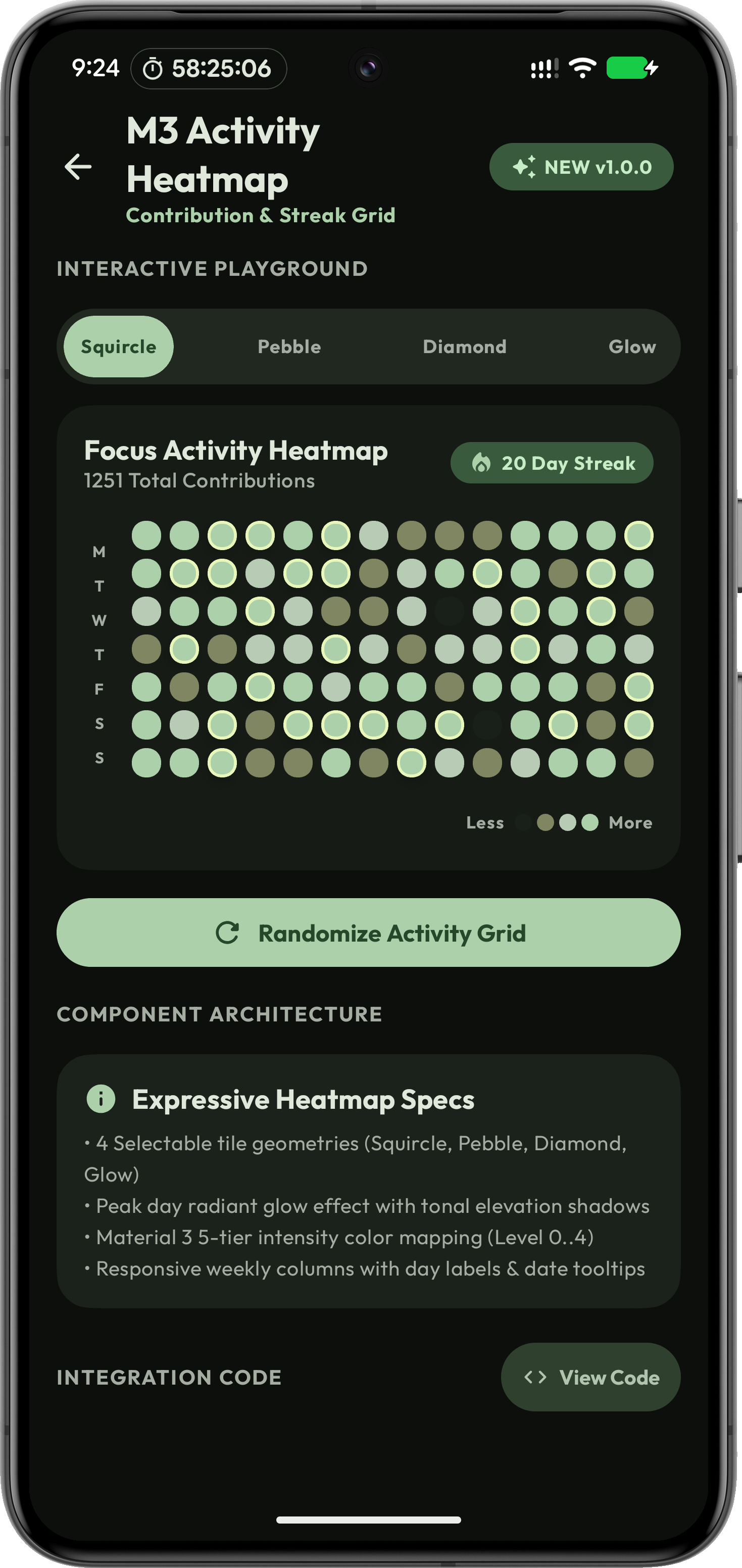
ExpressiveLab App Screenshots

Click any screenshot to view in full resolution across Mobile, Tablet, and Desktop layouts.
MIT License with Attribution Policy

This library is 100% open-source under the MIT License. You are free to use it in personal, open-source, and commercial Android applications provided that you retain credit to Er. Mohd Amaan (JustForPixel) in your project README or credits section.

Author & Maintainer: Er. Mohd Amaan (justforpixel / ermohdamaan) Business Contact: business.amaan0@gmail.com / hapticforpixel@gmail.com